

Using the QR Codes in Your Textbook
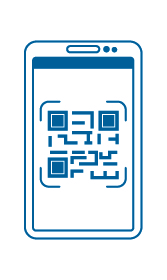
QR codes appear in many of our textbooks and allow you to access additional content specific to your course. You may find additional readings, videos, animations, quizzes, and more!
To access this content:
- Open your phone’s camera
- Hold your phone over the QR code you want to access
- A popup will appear on your phone
- Click the popup and a browser will open with the additional content
It’s that easy!